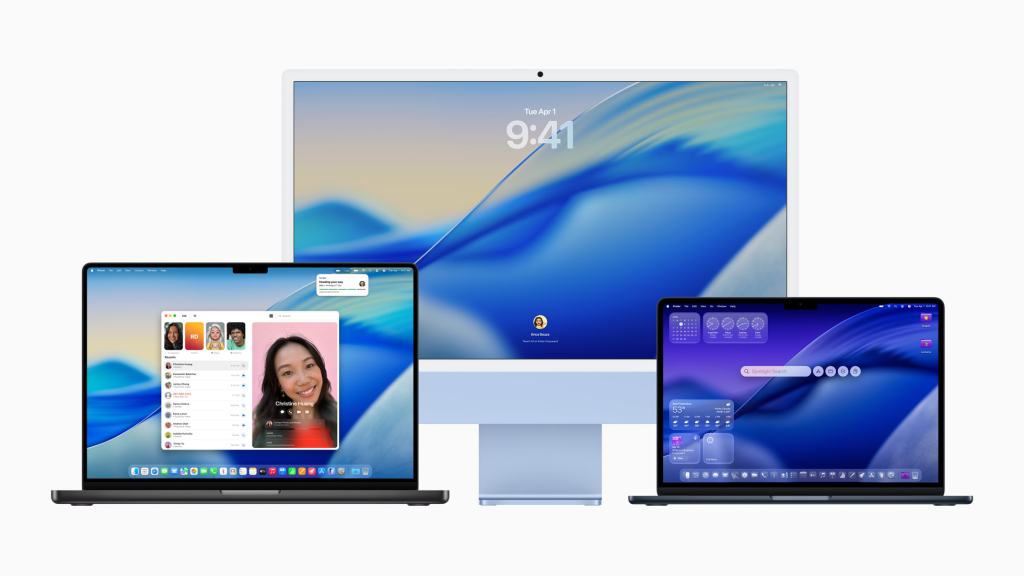
Tahoe. What do you think of when you hear that name? A clear, glassy, lake. RIght? That’s exactly what Apple’s new Mac operating system takes inspiration from: a new translucent, glassy experience throughout the software.
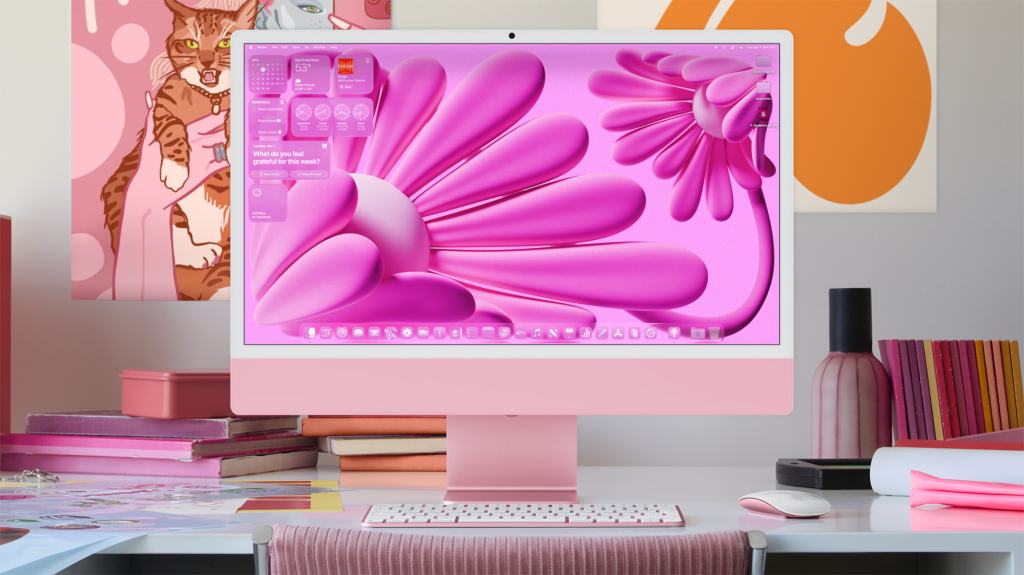
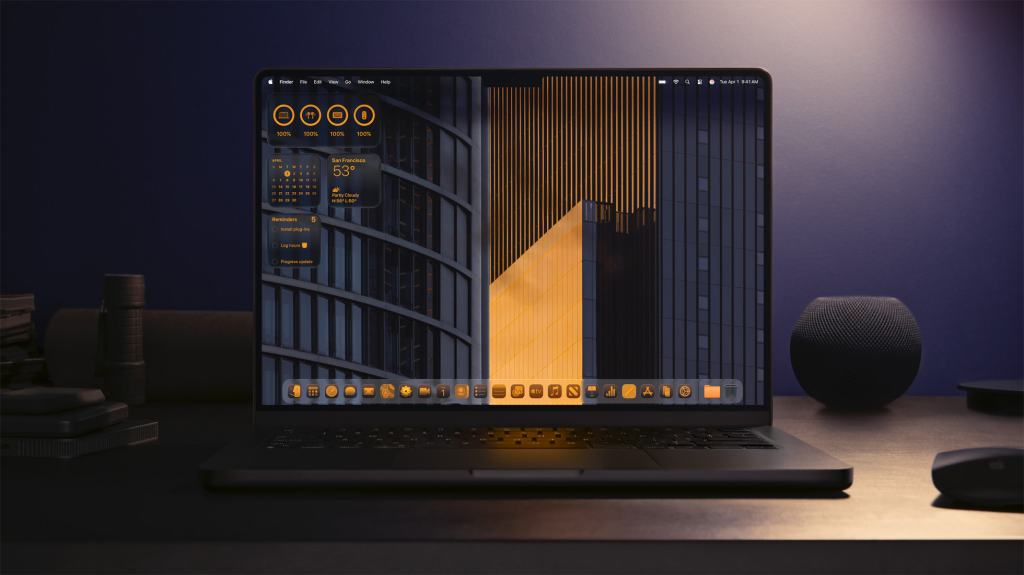
As discussed previously, Apple is introducing “Liquid Glass” across their ecosystem of devices, with no exception for the Mac. This design philosophy enhances the Mac experience by maintaining the familiarity of macOS while introducing a more fresh and modern look. The Dock, sidebars, and toolbars have been refined to bring greater focus to a user’s content, being more see-through and translucent. The menu bar is now completely transparent, making the display feel even larger. Additionally, users have more ways to customize what controls appear in the menu bar and Control Center, along with how they are laid out. App icons come to life in light or dark appearances, colorful new light and dark tints, as well as an elegant new clear look.
Check out some of the ways Apple showcased how you can customize Mac in macOS Tahoe:

But, macOS Tahoe isn’t just about the aesthetics, it also focuses on productivity and functionality. The update introduces a revamped Spotlight, offering users the ability to perform hundreds of actions directly from the search bar, such as sending emails or creating notes. This enhancement streamlines workflows and reduces the need to switch between multiple applications. Additionally, Spotlight now includes new browsing experiences to help users find content faster.
With continuity, macOS Tahoe introduces the Phone app to Mac, letting users take and receive calls from their desktop. Many of the features introduced with the Phone app on iOS also carry over here, with Call-Screening and Hold Assist coming to the Mac.
macOS Tahoe brings a major expansion of Apple Intelligence that makes working on a Mac feel not just smarter, but nearly magical. The systemwide integration includes Live Translation for text and audio, so language mixing during conversations or emails is seamless. Refreshes to Genmoji and Image Playground make it more fun and customizable. The revamped Shortcuts app steps up with intelligent actions that tap directly into Apple Intelligence, summarizing notes, creating images, and even comparing lecture transcripts automatically. All of this works behind the scenes with privacy-first design: most processing happens on-device, with optional cloud boost via Private Cloud Compute only when needed. Whether you’re writing an email, brainstorming ideas, or just expressing yourself, Tahoe’s intelligence delivers help in the moment, without compromising your data.
Overall, macOS Tahoe is a great step forward for the Mac. It brings meaningful improvements not just in how the system looks, but also in how it functions day to day. I really like how many of the additions like customizable Control Center, new app icon appearances, and the Phone app mirror what’s on iPhone and iPad, making everything feel more unified across Apple devices. The new design feels clean and modern, and the Apple Intelligence features actually improve how I get things done, not just how things look. It’s a thoughtful update that makes the Mac more powerful, more personalized, and more in sync with the rest of the ecosystem.
Check out this video here:
And, check out Apple’s release notes from the Newsroom about macOS Tahoe:
macOS Tahoe 26 makes the Mac more capable, productive, and intelligent than ever
 The Apple Enthusiast